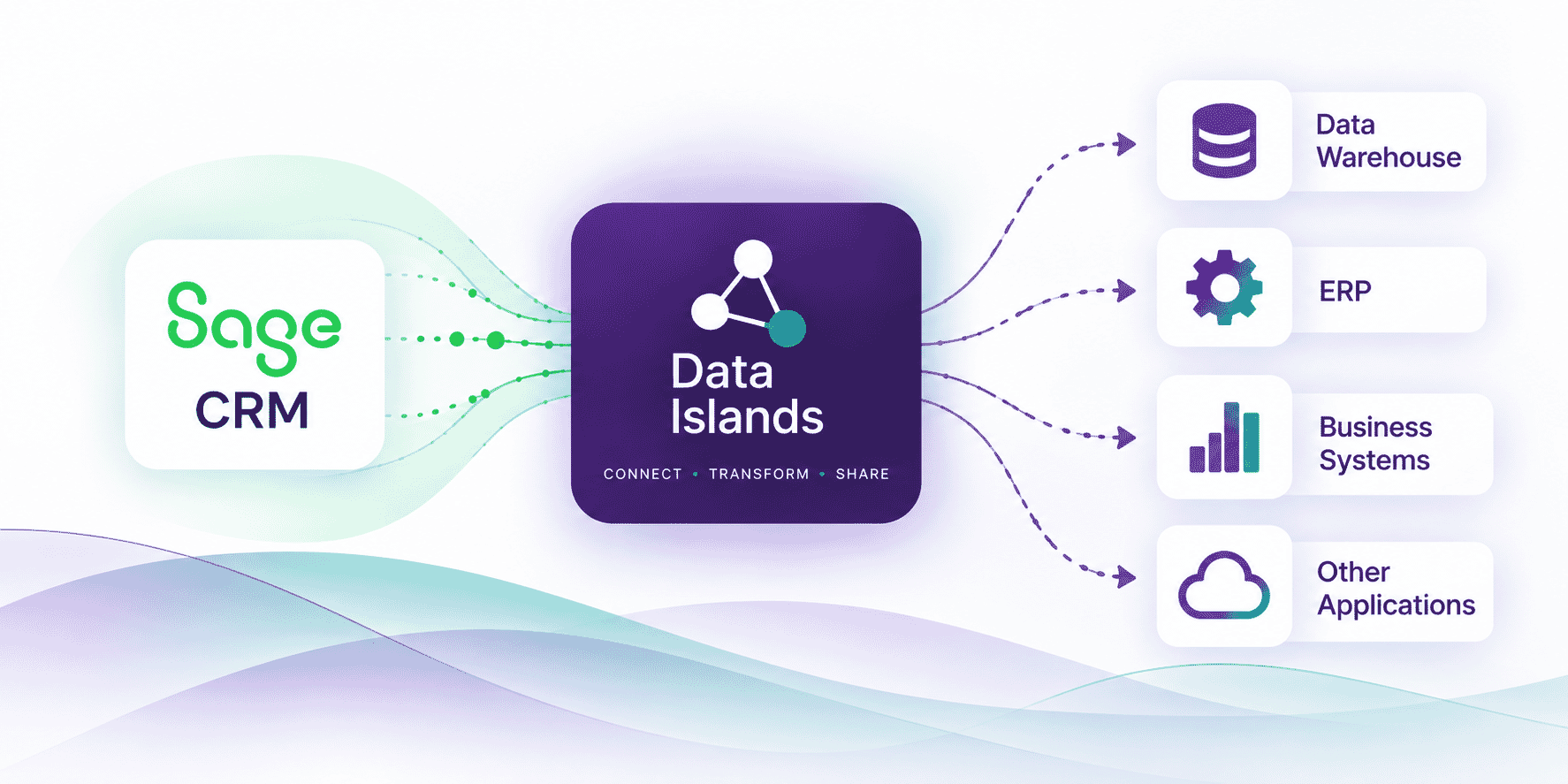
Connect Sage CRM to your wider business
With Data Islands you can:
- Export Sage CRM data for use in a data warehouse or data mart
- Feed Sage CRM data into other business systems
- Import data into Sage CRM from ERP, accounting or other applications
- Work with data located across different databases and systems
- Automate repeatable data integration processes
- Transform data as part of more complex integration workflows
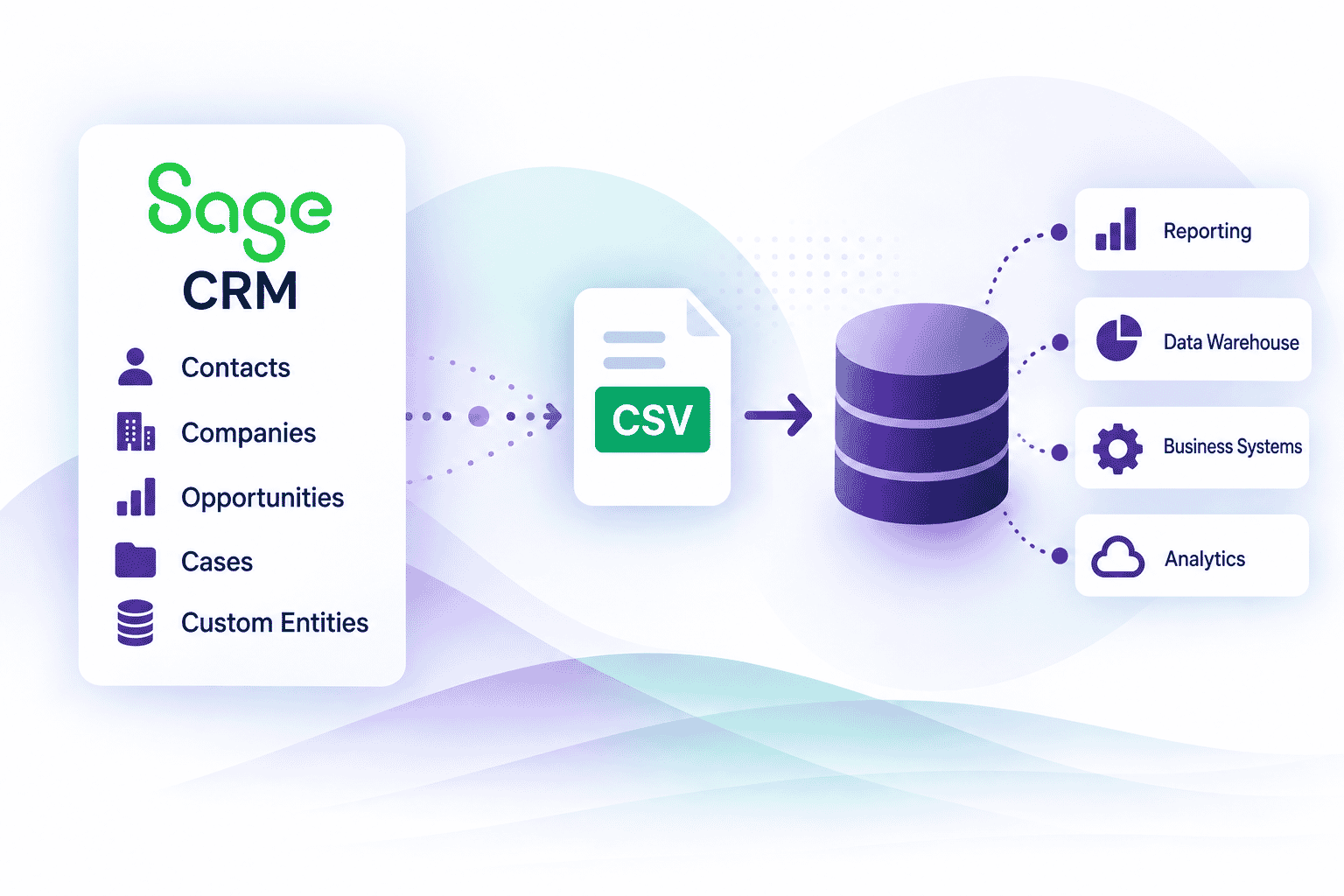
Move Sage CRM data where you need it
Data Islands allows you to extract the Sage CRM information you need and make it available to other systems, reporting environments or data warehouses.
This can be useful for:
- Business intelligence and reporting
- Consolidating CRM and ERP data
- Feeding downstream systems
- Data reconciliation
- Creating central data marts
- Custom integrations with third-party applications
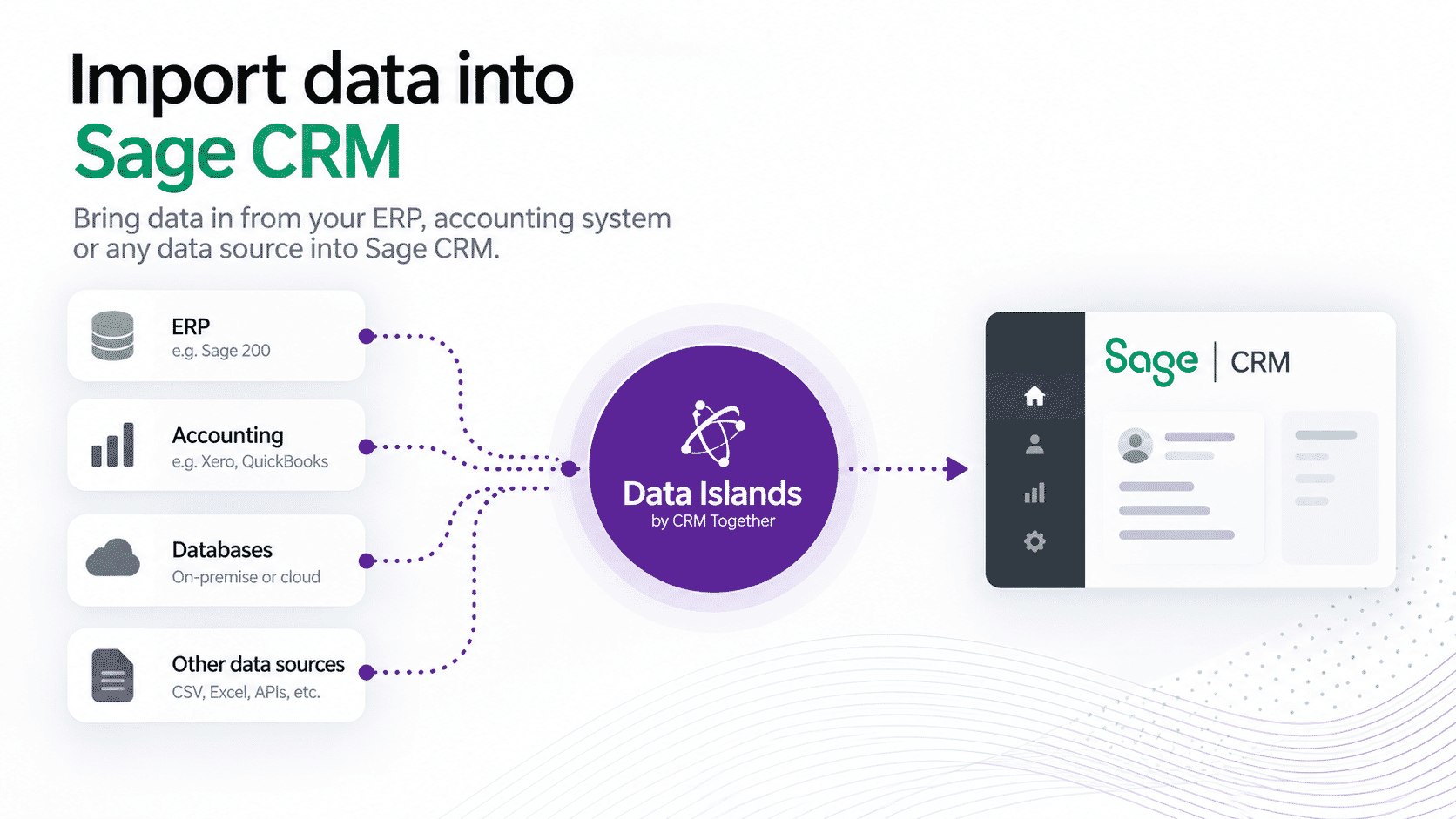
Bring external data into Sage CRM
Data Islands can also work in the opposite direction.
Import information from an ERP system, accounting application, database or other data source and use it to update or extend the information available within Sage CRM.
This gives organisations the flexibility to make Sage CRM part of a wider connected business environment rather than relying on isolated data silos.
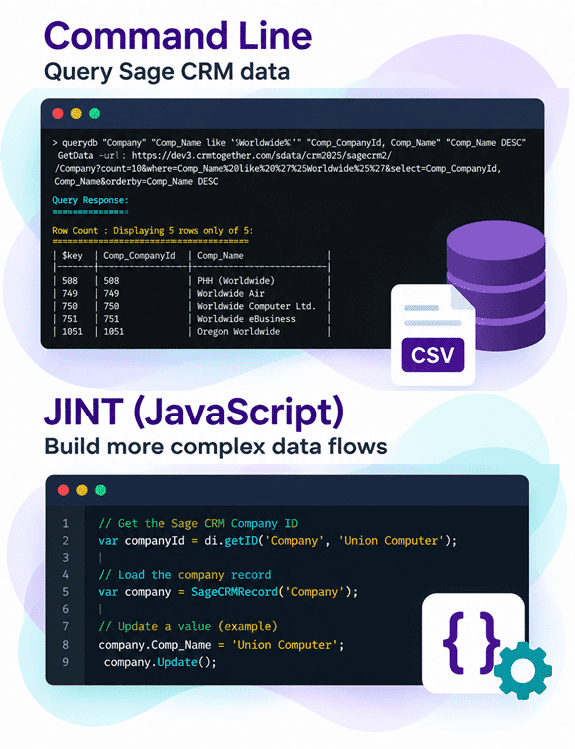
Two ways to build your integration
Data Islands provides two modes depending on the complexity of the integration you need.
Command Line
For straightforward data operations and automated processes, Data Islands can be run using command-line instructions.
Queries and data processes can be automated using tools such as Windows Task Scheduler or CRON, making it easy to schedule regular imports, exports and updates.
JINT – JavaScript Integration
For more complex data flows, Data Islands includes a JavaScript environment powered by JINT.
Using JINT, developers can work programmatically with datasets to:
- Query data
- Iterate through records
- Modify or transform data
- Apply business logic
- Create automated multi-step processes
- Push processed data to Data Islands or other destinations
This provides considerably more flexibility where a simple query-and-export process is not enough.
From simple data transfer to custom integration
A Data Islands integration can be as simple as:
Sage CRM → Data Warehouse
or:
ERP → Sage CRM
But it can also support more sophisticated workflows:
ERP + Sage CRM + Other Data → Transform → Reconcile → Update / Share
The result is a lightweight way to create integrations around Sage CRM without introducing the overhead traditionally associated with large ETL or middleware projects.
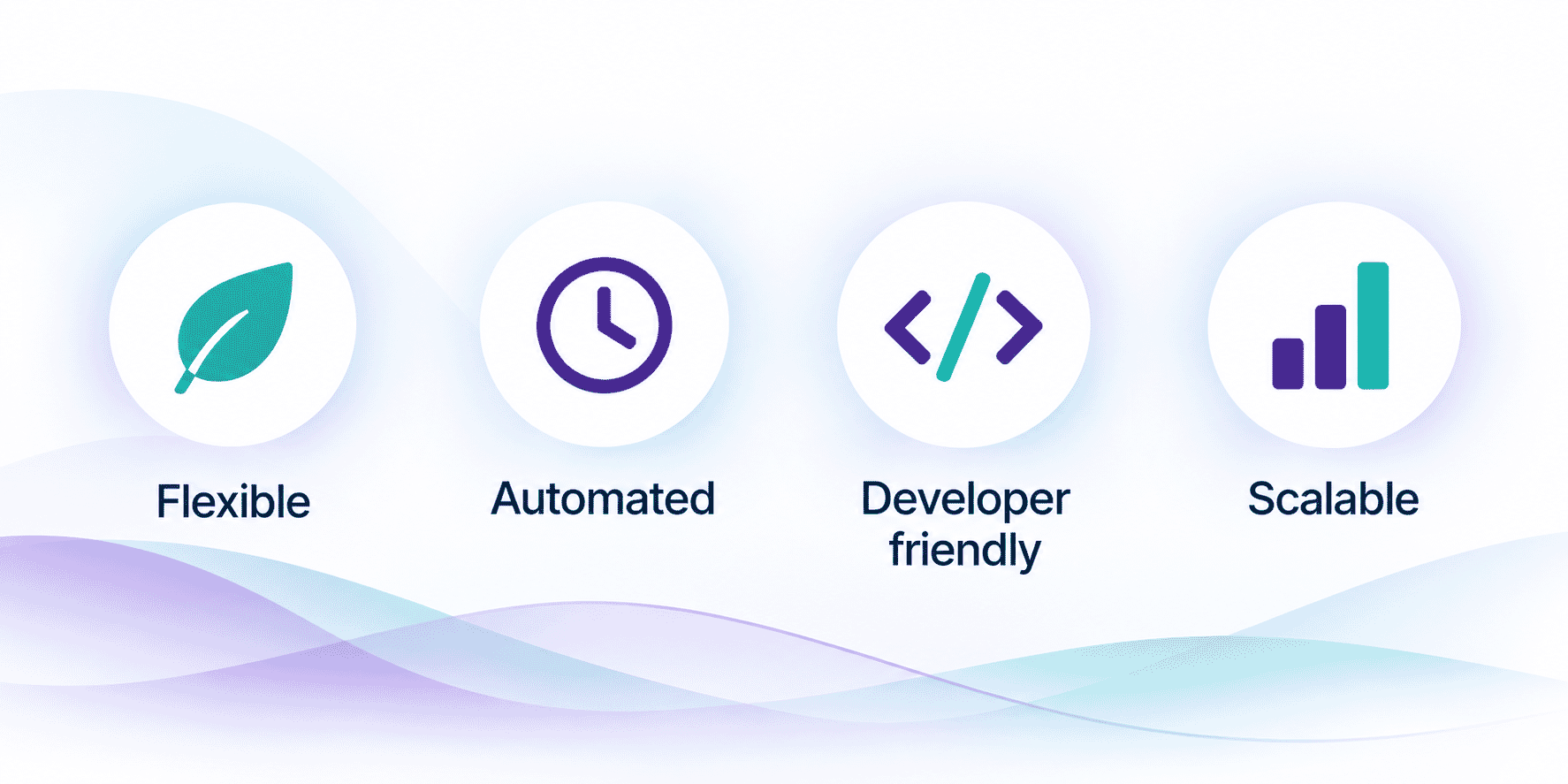
Why use Data Islands with Sage CRM?
Data Islands helps you make Sage CRM part of a connected data strategy.
Flexible
Connect Sage CRM with virtually any data source your organisation needs to work with.
Automated
Schedule integrations to run without ongoing manual intervention.
Developer friendly
Use SQL for straightforward requirements and JavaScript where more control is required.
Scalable
Start with a simple import or export and extend the integration as your requirements become more sophisticated.
Secure
Move only the data required for the integration rather than exposing entire business systems or networks.
Talk to us about your Sage CRM integration
Have data sitting outside Sage CRM that your users need — or Sage CRM data that needs to go somewhere else?
Tell us what you are trying to connect and we can help determine whether Data Islands is the right approach.