 In the latest release of MobileX, it is now possible to file emails directly from your smartphone using Microsoft or IMAP (to faciltiate Gmail). Our help directory is available here and gets into the setup of both platforms
This functionality is available across all integrations for Sage CRM, Sage 100, Sage 300, and Creatio.
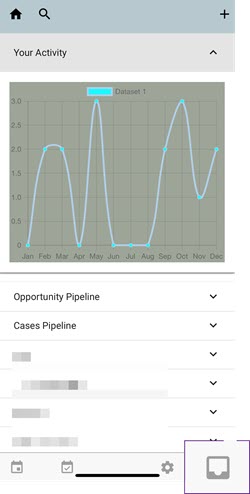
To connect to or access your email, tap the Inbox icon in the bottom-right corner of the screen.
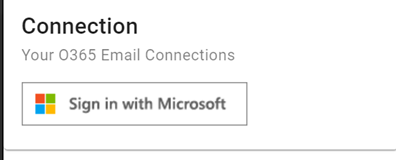 It is necessary to connect via Microsoft Online, after which your email can be accessed at any time.
Once connected, you can link your Microsoft 365 email to MobileX, search emails, view messages, and file them against a specific entity.
In this post, we focus on the Microsoft 365 connection. Below is a short video outlining the basic features available.
Below is a guideline of features: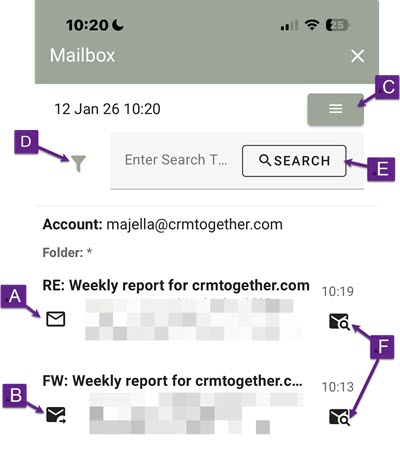
A. If the email is a RECEIVED item this icon shows.
B. If the email is a SENT item this icon shows.
Clicking either of these icons will also open the ‘view email’ dialog and so set that email as the active selected email. This is how the context is chosen to file an email against a given entity
C. Menu to logout or refresh emails
D. Filter on Email folders
E. You can search within the mailbox
F. Searches CRM based on the email address it came from (or was sent to)