Are you tired of the cumbersome task of manually copying and pasting emails into your CRM system?
Does your sales team often neglect updating CRM with crucial contact details?
Are you struggling with low overall CRM user adoption?
Look no further, as we have the perfect solution for you – Outlook Integration for Creatio, known as "Accelerator."
Outlook Integration for Creatio
Make Creatio an extension of your email
Compatibility
Accelerator seamlessly integrates Creatio data into Microsoft Office 365.
Get it from the Creatio Marketplace (coming soon)
Effortless Data Updates
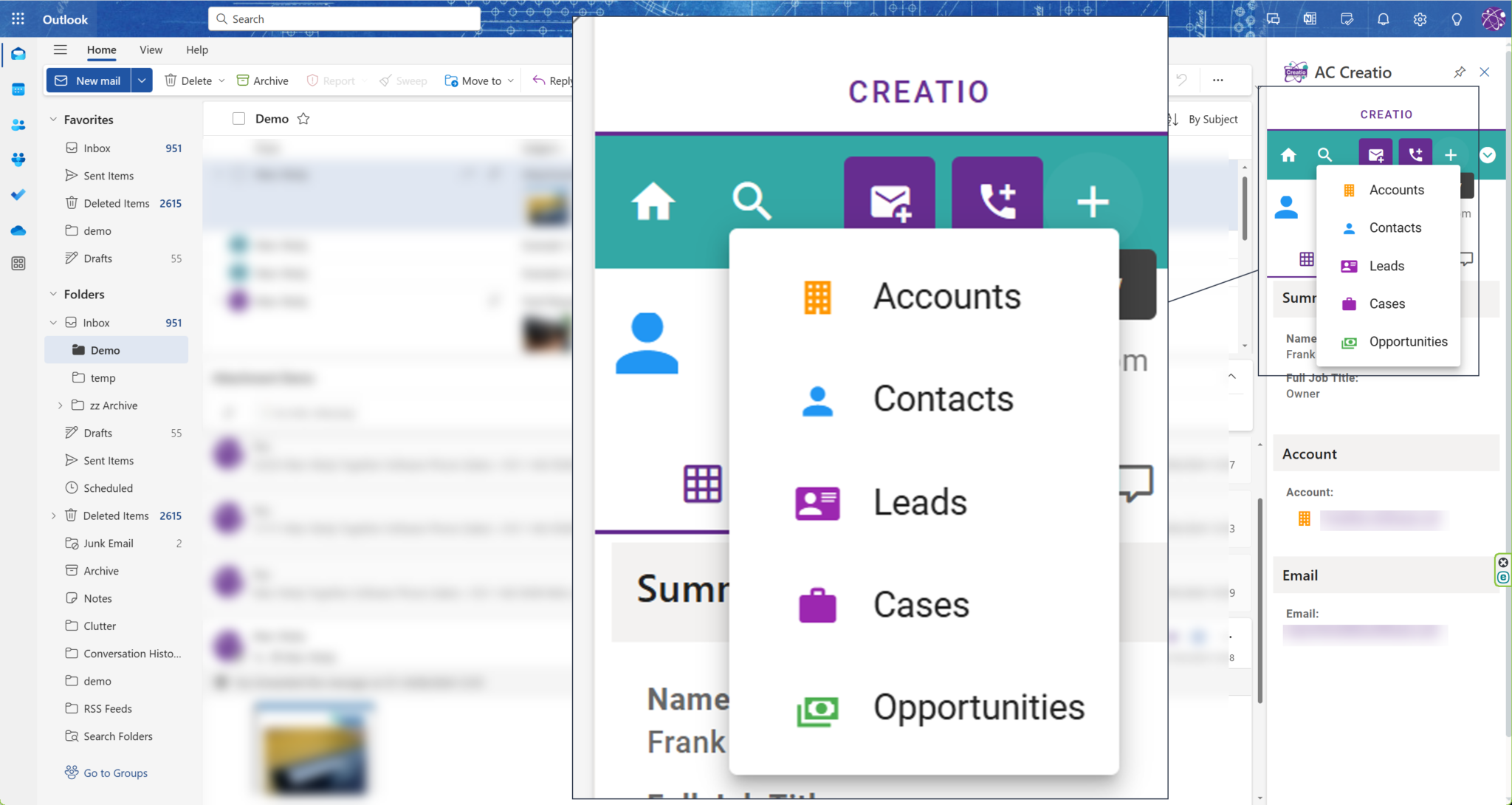
Say goodbye to manual data entry. Accelerator allows you to convert emails into Accounts, Contacts, Opportuntities, Cases and Leads. You can file emails, attachments, and log call information directly from Outlook, enhancing efficiency.
Create New Entities
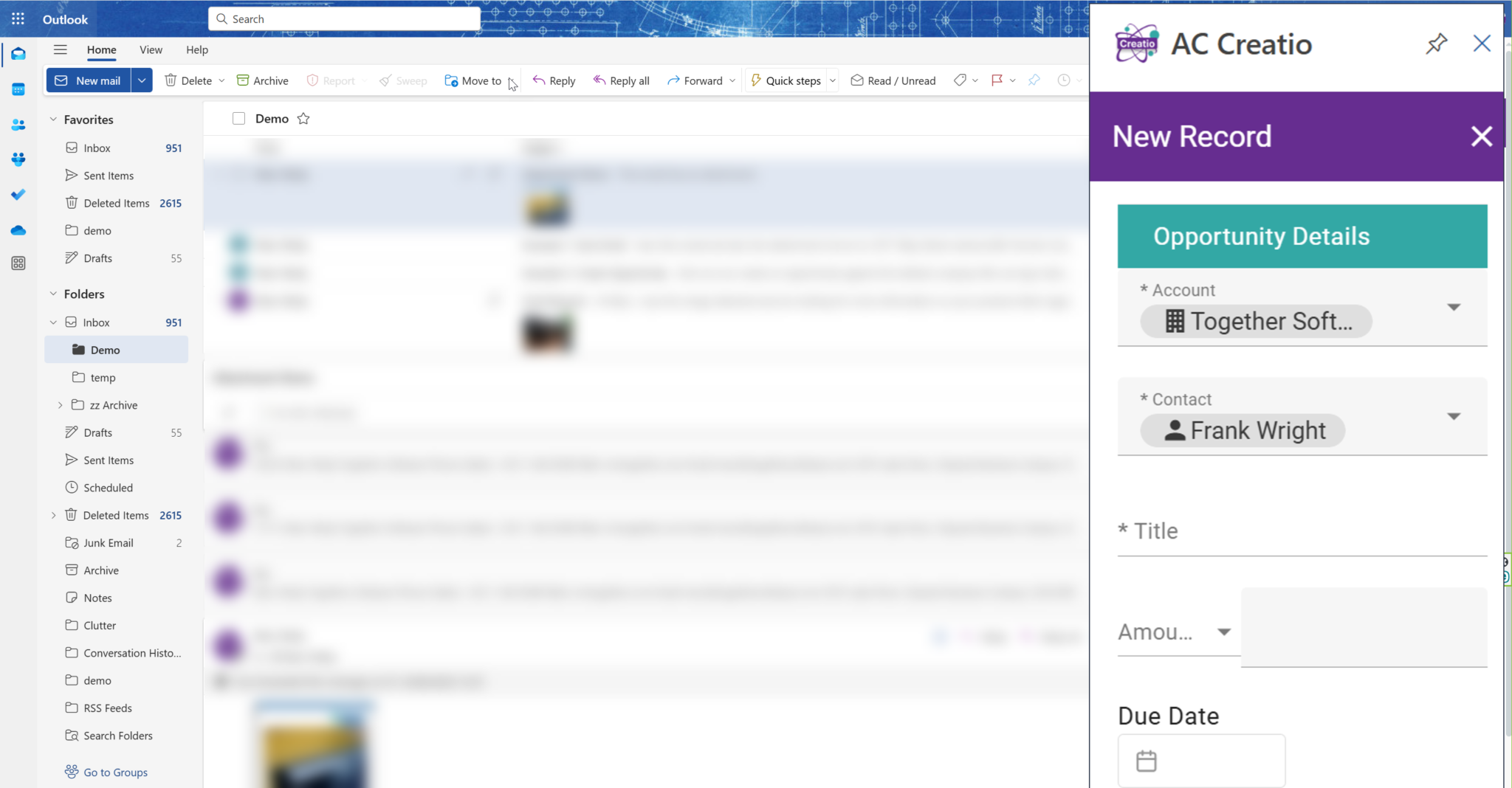
Accelerator empowers you to create new entities in Creatio. Whether it's a new Account, Contact, Opportunity, Case or Lead, you have the ease of getting the data from email into Creatio in seconds.
Pipelines and Customer Activity
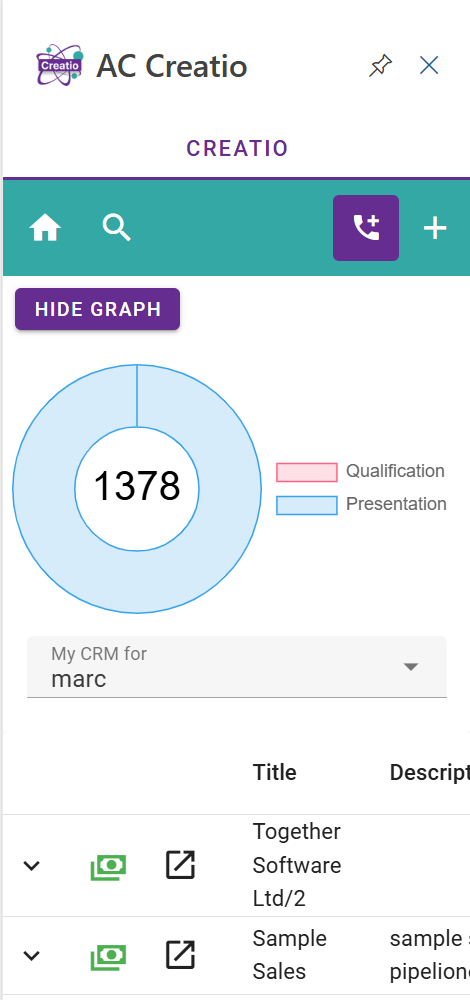
View your Case or Opportunity pipeline directly in Microsoft Outlook or access a summary through the Accelerator Task Pane.
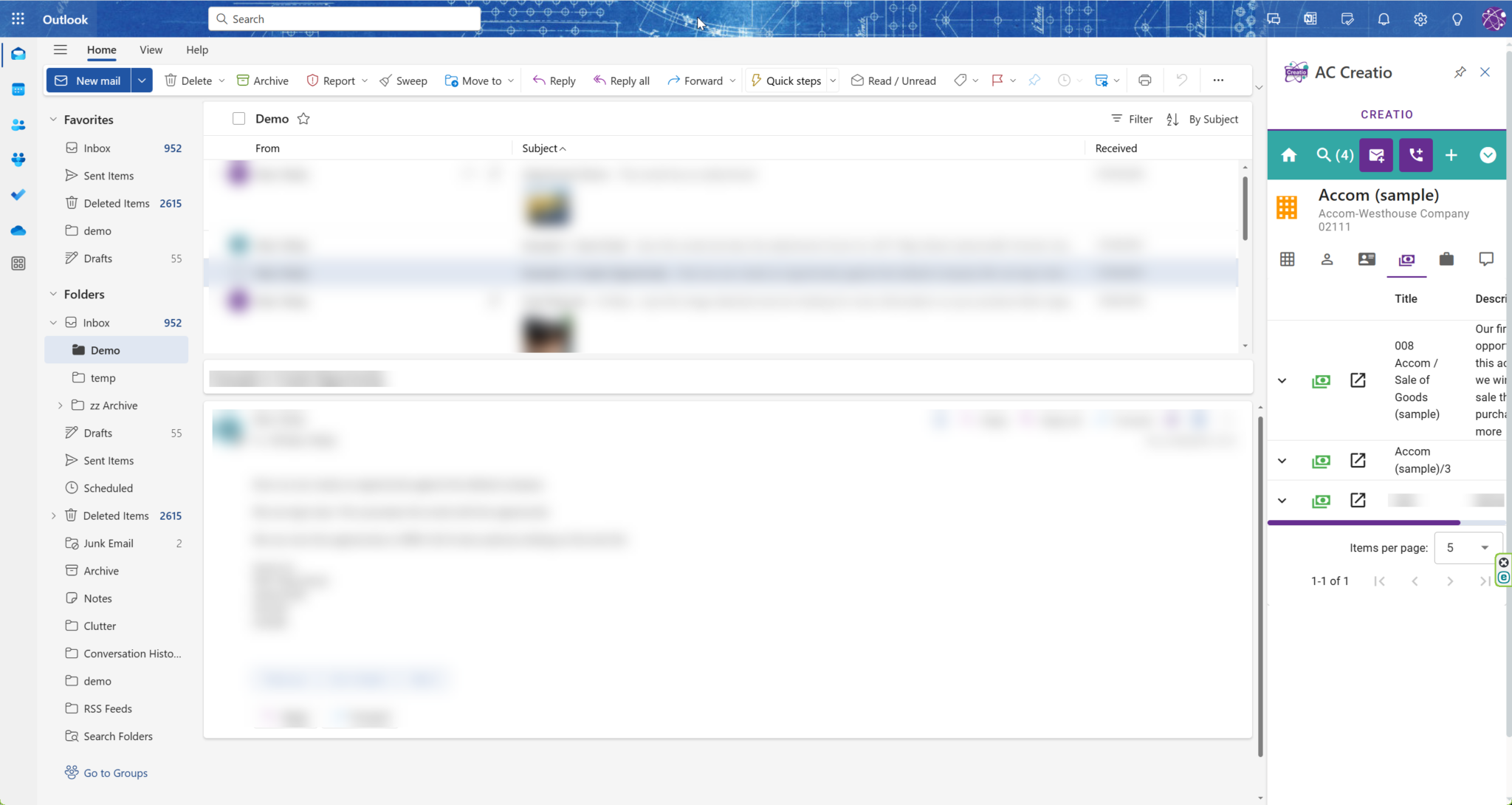
Dive deep into customer data, explore cases and opportunities
Your Creatio Full UI is just a click away making Creatio feel like a part of Outlook.
View and Email and see the relevant Creatio Data
Accelerator makes email filing a breeze, ensuring that all relevant communications are properly organized.
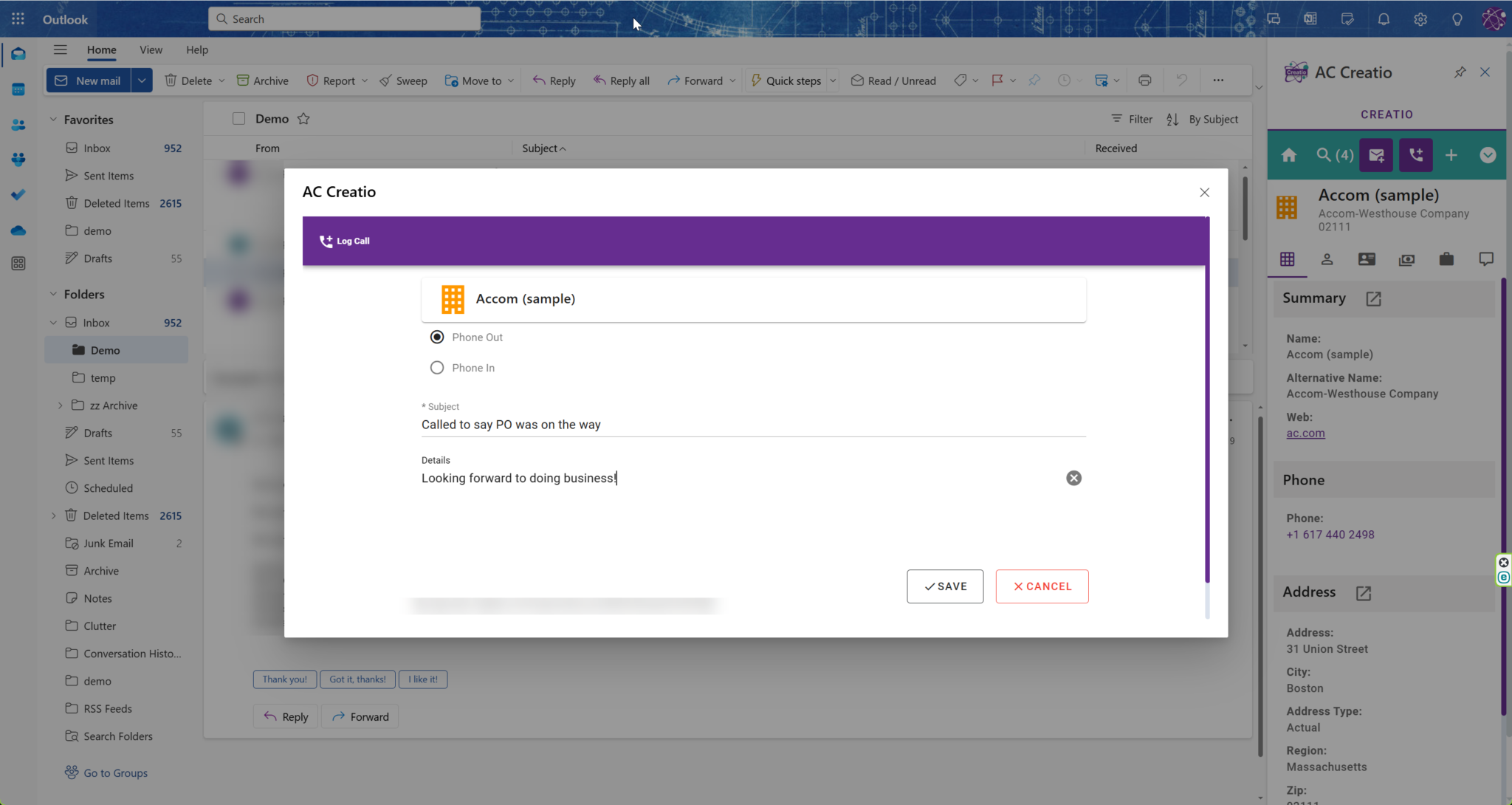
Log Phone Call Information
Keep track of phone call details effortlessly within Microsoft Outlook, preventing gaps in customer engagement data.
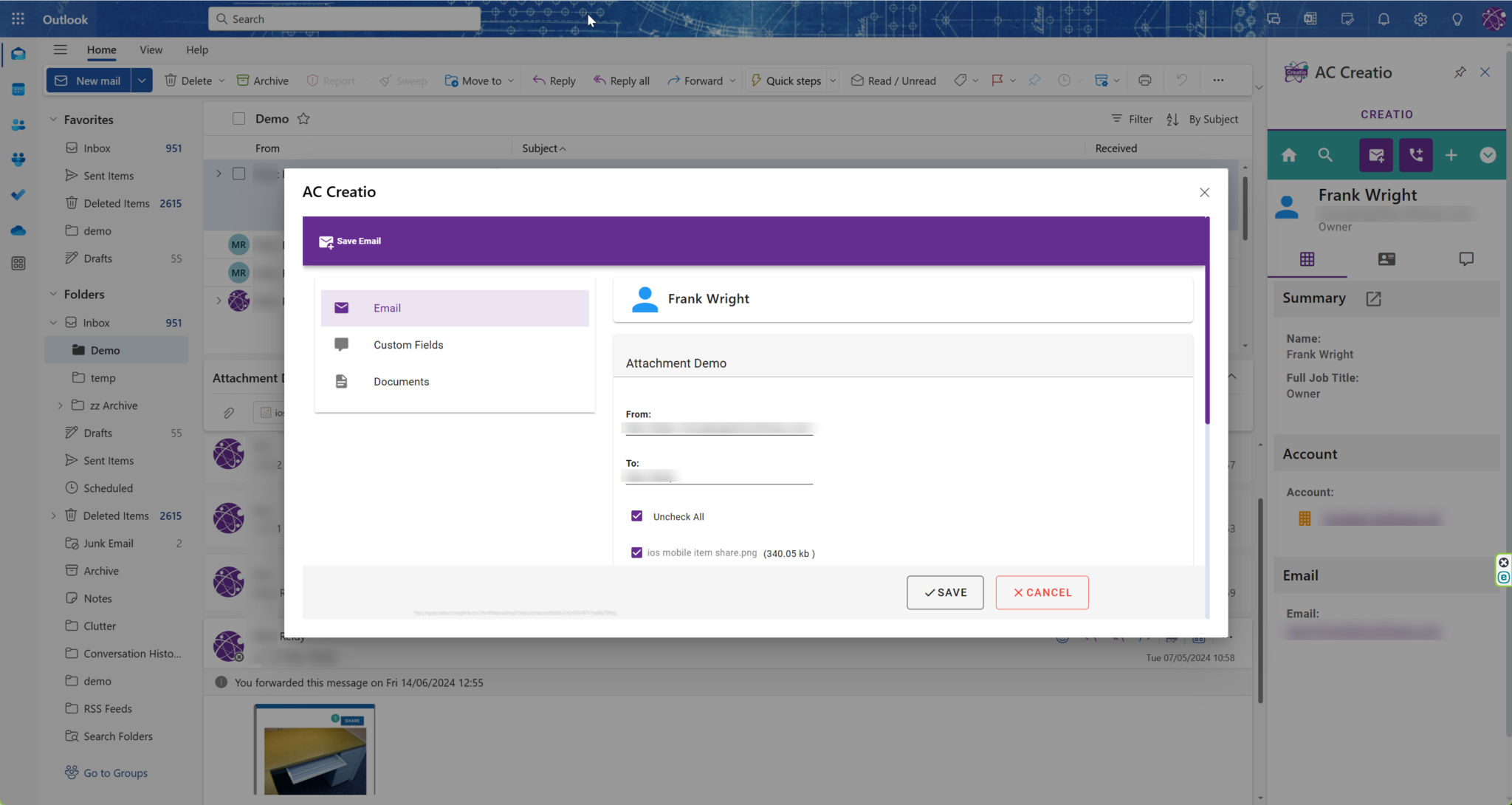
File Emails and Documents
File complete emails with context and attachments
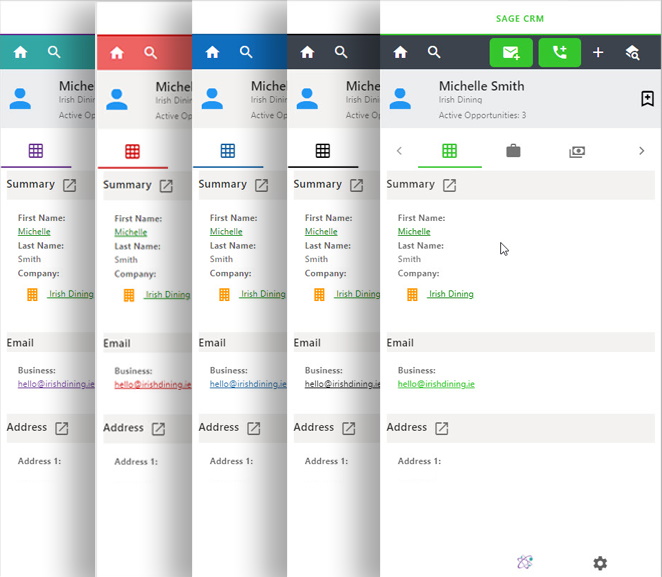
Choose Your Theme
Customize your Accelerator experience with various colour palette options for the task pane.